Deposit and Withdrawal simulation#
Simulation Details#
The XGateway Demo Environment offers an API to simulate a transaction processing and receive a transaction notification (callback).
The API ingests an invoice ID and forms a transactions with a callback based on the invoice data. It requires the prior created invoice to be either activated or finalised.
Supported Statuses#
- Invoice Statuses:
active,completed,canceled - Transaction Statuses:
confirmed,failed
Supported Deposit Flows#
This endpoint enables the following scenarios:
- Creating a
failedorconfirmedtransaction from anactiveinvoice, which then triggers a callback. - Creating a
confirmedtransaction from acanceledinvoice (this is known as the "confirmed from failed" flow), which then triggers a callback. - Resending a callback for an existing transaction. This is used when an invoice is already
completed(for aconfirmedtransaction) orcanceled(for afailedtransaction).
Important Notes#
- Amount: When creating a new transaction from an
activeinvoice, the amount specified in the API call is used. However, this amount is ignored when resending a callback for an invoice that already has a transaction linked to it. - Crypto Payments: The "confirmed from failed" flow is not supported for Crypto payments.
- Fees: Any fees shown in the callback are generated randomly and do not reflect actual charges.
Testing Withdrawal Callback#
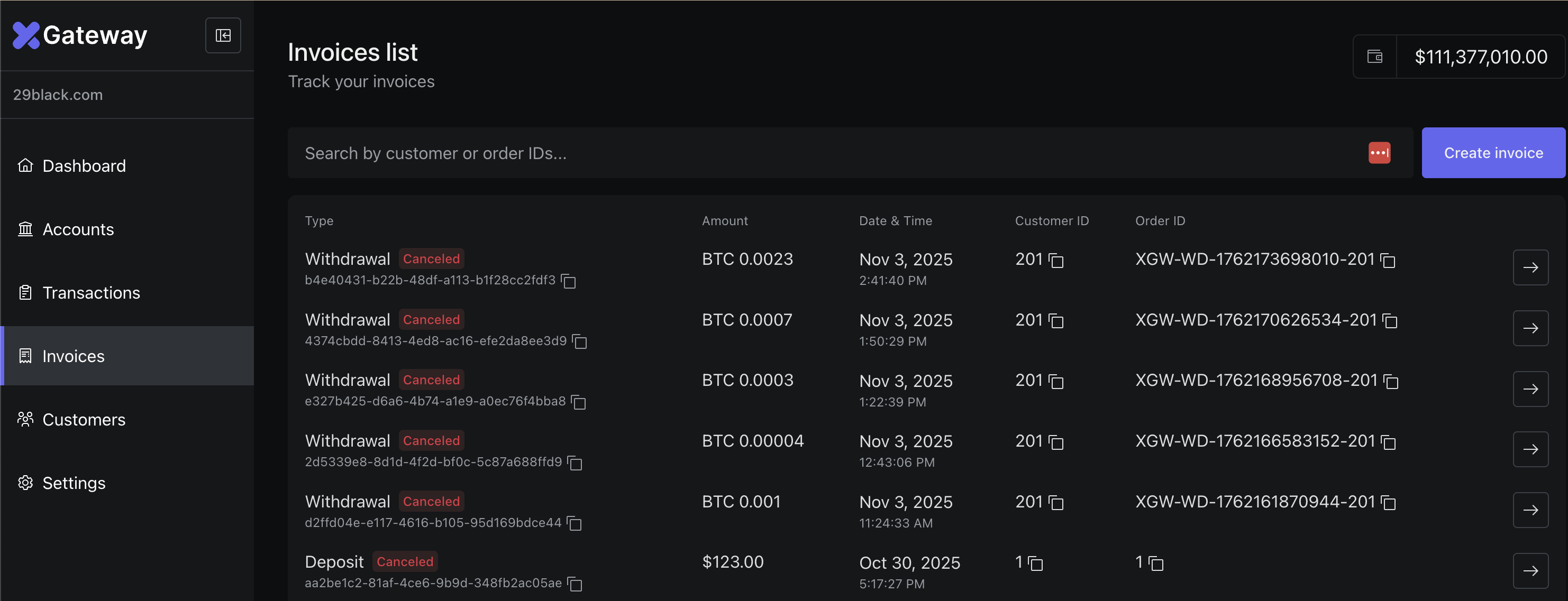
When a withdrawal request is created, the system also creates a linked invoice. The invoice can be seen in the Merchant Backoffice (Invoices tab). Use a corresponding invoice id to trigger a callback via the simulation API.
Note, that in the sandbox environment a withdrawal request will fail due to lack of funds. Be ready to receive a callback about a fail first. Success callbacks will be sent only after simulation API is triggered.